Connected equipment

Your solar, your meter and your switches, read where they report and priced at your tariff

A solar system, a battery, a prepaid meter, a geyser switch and a delivery bakkie each have an app of their own, and none of them knows what the business pays for power or what it should change. Here they are read in one place, from the maker's own cloud or a small bridge on site, every day is priced at the business's own tariff, and the efficiency officer says what to change, in money a year.

What it watches for
  • Nobody can say what the solar system saved last month, or what the power cost.
  • The battery sits full at night while the business buys from the grid.
  • Load-shedding catches the business with a flat battery.
  • The geyser heats at night on bought power while the panels sell their midday solar for little.
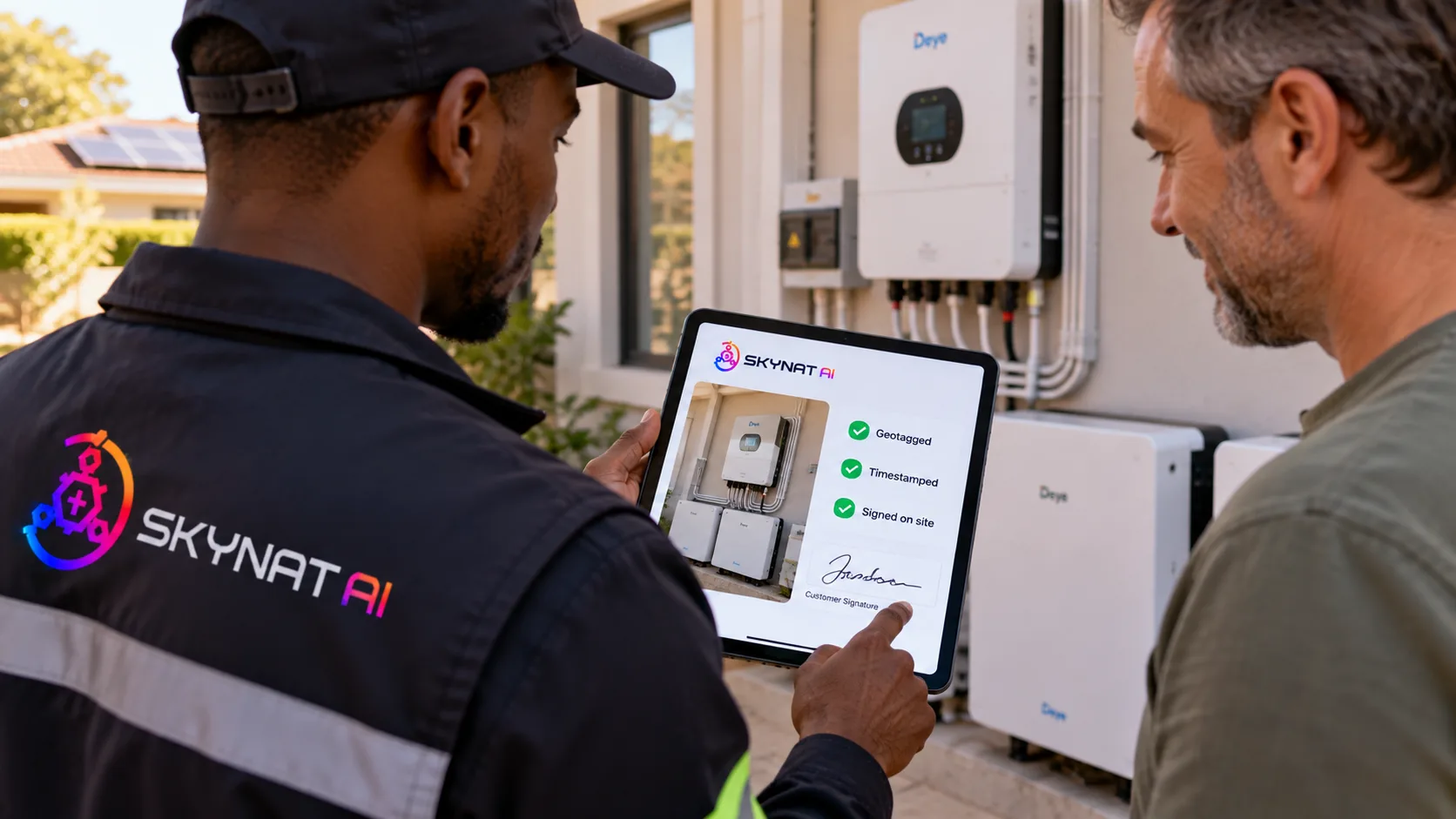
An installer signs off a solar and battery job on a tablet beside the inverter

The job signed off at the inverter, and the system read from then on.

The problems it answers

What goes wrong, and what it does about it

For any business with solar, a battery, a generator, a cold room, a geyser on a switch or vehicles: shops, lodges, farms, clinics, workshops and fleets.

The problem

Nobody can say what the solar system saved last month, or what the power cost.

What it does

Each site's day is read from its inverter, battery and meter and priced at its own tariff, time-of-use and seasons included: what was bought and when, what was sold, what the sun saved, and what the slips say was paid for power, prepaid tokens and generator diesel included.

Needs: Your inverter or meter connected on the equipment page, and your tariff typed off your bill (or looked up, in the US and Canada).

What you get

A month of power in money, on one page, without a spreadsheet.

The problem

The battery sits full at night while the business buys from the grid.

What it does

The efficiency officer compares each night's buying with how low the battery ever went, and says how much a lower reserve would have covered, priced at the night rate; the same for midday solar sold cheap and buying in the tariff's dearest hours.

What you get

The setting that costs money is named, with what it costs a year.

The problem

Load-shedding catches the business with a flat battery.

What it does

A business follows its area's live load-shedding times, and when a block is coming with the battery low, the officer says to charge it now, before the block starts.

Needs: In South Africa, Skynat's EskomSePush licence; anywhere, the times can be typed instead.

What you get

The block finds the battery charged.

The problem

The geyser heats at night on bought power while the panels sell their midday solar for little.

What it does

A switch that runs a heavy load at night is named where the same site sells midday solar, and it can be switched from here, on a timer or for an hour, only when the owner allows it, inside the owner's limits, with every change recorded and read back.

Needs: A Shelly, Sonoff, Tuya, SmartThings or Home Assistant switch on the geyser.

What you get

The geyser heats on the business's own sun.

The problem

A cold room fails at 2am and nobody knows until the stock is lost.

What it does

A temperature sensor fills the business's own cold-room check at its interval, and at once when a reading leaves the limits the business set, so the failure is on the record and the business is told the way any failed check tells it.

What you get

A temperature log that keeps itself, and a warning at the hour it matters.

The problem

Services fall due by the odometer, and nobody reads the odometer.

What it does

A connected car or tracker (Tesla, most makes through Smartcar, Geotab, Samsara) is linked to its fleet vehicle, and its odometer counts for the services due.

What you get

Services booked by the kilometres actually driven.

The problem

The clock at the door and the timesheets never agree.

What it does

Punches on a ZKTeco BioTime clock become each person's clock-in and clock-out by their number on the clock, taken once however often they are read, and numbers nobody is matched to are named.

Needs: BioTime reachable at a secure public address, and each person's number on the clock.

What you get

Attendance from the fingerprint at the door, not from memory.

Said plainly

What it does not do

  • Each maker's connection is written from its own documents and tested against them; the page says so until a live account has confirmed it.
  • Some makers open only once their programmes issue Skynat's keys (Deye, Enphase, SMA, Tesla, Sungrow, SmartESS, Tuya, eWeLink, SmartThings, Nest, Smartcar, UtilityAPI); until then those connections say they are not open yet.
  • GoodWe, Kodak, Axpert-family inverters without the SmartESS stick, EV chargers and generator controllers are read through a small bridge on site (SolarAssistant or Home Assistant), not from a cloud.
  • Nothing is switched unless the owner allows it for that device; the default is read only, and a device on the do-not-switch list is never switched from here.
  • A Tesla car is read but not commanded: its commands need Tesla's signed protocol.
  • Tax relief in the upgrade advice is the business's own accountant's figure; the platform only names what might apply.

See it against your own numbers

Your workspace is ready in minutes. Nothing to install.