Printing, labels and QR codes

Everything a business prints, laid out for the paper it goes on

A web page cannot see the printers on a computer, so most business software prints what it prints and leaves the paper to sort it out: a receipt too wide for the roll, a sheet of labels a few millimetres off. Here the business says once which printers it has and the paper in each, and every document, receipt and label is laid out for the printer it goes to.

What it watches for
  • A sheet of labels prints a few millimetres off, and the whole sheet is wasted.
  • The till receipt comes out too wide for the roll.
  • Shelf prices are written by hand, and the till cannot read them.
  • Nobody can say which drill, laptop or ladder is where, or who has it.
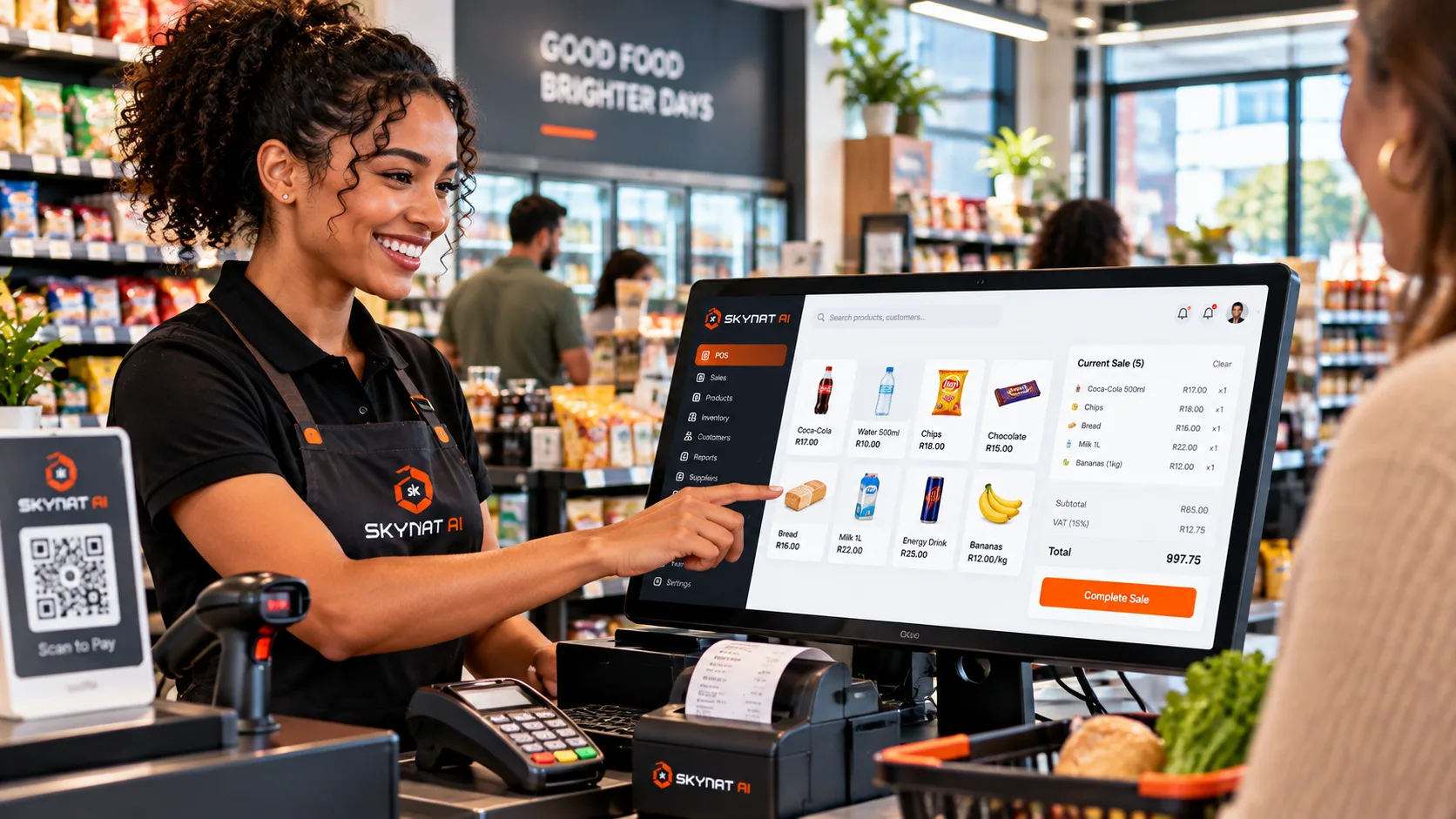
A cashier serves a customer at a till with a QR code to scan and pay

Labels, slips and QR codes that print right on the paper you already have.

The problems it answers

What goes wrong, and what it does about it

For shops, clinics, workshops, warehouses — anybody who prints a receipt, a label or a document.

The problem

A sheet of labels prints a few millimetres off, and the whole sheet is wasted.

What it does

Label sheets are laid out to their makers' own measurements — the margins and the step from one label to the next, from the templates the makers publish. Paper that is none of these is typed off its pack and checked to fit the sheet before anything is printed on it.

What you get

The first sheet comes out right, and so does the hundredth.
The problem

The till receipt comes out too wide for the roll.

What it does

Each sale prints as a receipt laid out for an 80 mm or a 58 mm roll, whichever the printer holds, or goes to the customer from your phone as the PDF itself.

What you get

A receipt that fits at the counter, and one in the customer's phone when there is no printer.

The problem

Shelf prices are written by hand, and the till cannot read them.

What it does

Price labels are printed from the products themselves, with a code the till reads, laid out for the label paper you use.

What you get

The shelf and the till show the same price, and nobody writes labels by hand.

The problem

Nobody can say which drill, laptop or ladder is where, or who has it.

What it does

Tags for what the business owns open the item's record when scanned: who holds it, its history, and a move logged when it is scanned somewhere new. The count is a walk round with a phone.

What you get

Knowing what the business owns takes a walk, not a day with a clipboard.

The problem

Customers cannot find your booking page, your reviews or the Wi-Fi password.

What it does

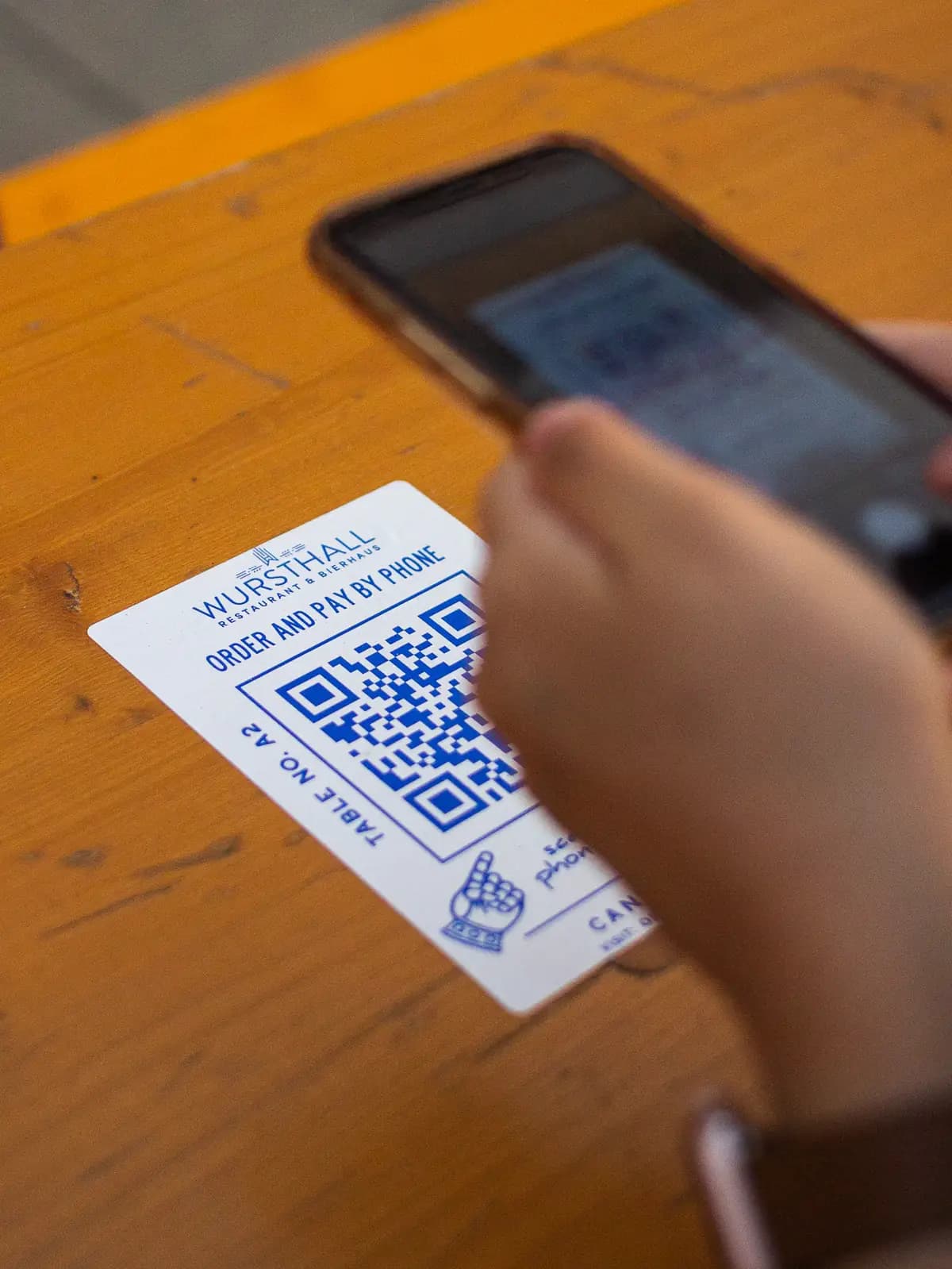
Stickers with a QR code that opens your booking page, your reviews, a WhatsApp chat on your own business number or your Wi-Fi, laid out for the label paper you print them on — and a code for anything else, saved as a picture.

Needs: Your booking page switched on, your reviews link or your business number, for the sticker that opens each.

What you get

The counter, the door and the table do the asking for you.

The problem

A copied invoice with different bank details looks exactly like yours.

What it does

Every quote and invoice prints with a code and a short address that open the document as it was issued, with your official details, and the words to check before paying. Documents print on A4 or US Letter, whichever the printer holds.

What you get

Every page you send carries its own proof.

The problem

A prescription can be photocopied and dispensed twice.

What it does

Each prescription prints with the prescriber's details and a code a pharmacy scans to see what was issued, by whom, and every time it has been dispensed.

What you get

A script is good once, and a pharmacy can tell.

The problem

Things go missing between people and places: a part sent for repair, a file waiting for a signature.

What it does

Anything can carry a chain-of-custody label. Every hand-over is a scan — who gave it, who received it, where and in what condition — and anything that has sat at one stage too long is raised until it moves.

What you get

Where something is, and who has it, is on the record rather than in somebody's memory.

Said plainly

What it does not do

  • Printing without the print window. A web page cannot choose a printer, so in a browser the print window still opens. The desktop app prints straight to a printer chosen on that computer; it is not yet offered for download.
  • Receipt printer commands sent from the browser. Receipts go through the computer's print window like any other page, so the printer needs its driver installed. Bin labels can go straight to a label printer connected in Settings → Machines.

See it against your own numbers

Your workspace is ready in minutes. Nothing to install.