Is this quote or invoice genuine?
A quote or invoice generated with Skynat AI carries a code at its foot and a square beside it. Scan the square with your phone's camera, or type the code here, before you pay.
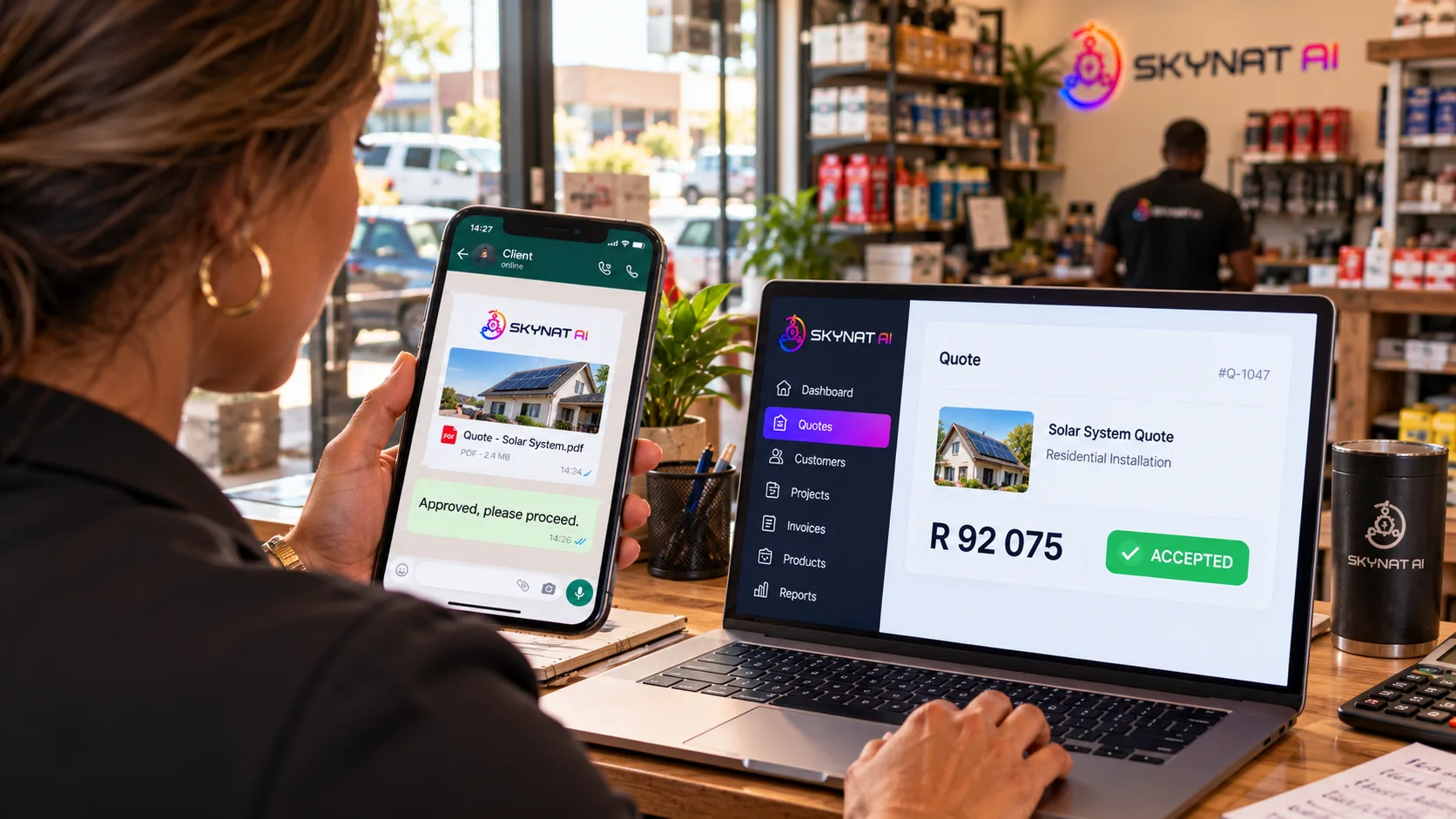
A document that carries its own check, wherever it is opened.
The document as it was issued, not as it was sent
The business it came from
Its name and its official details, as the business itself keeps them here — and a page of its own, listing its real numbers, addresses and accounts.
The document as it was issued
The number, the amount, and where it stands now. If the copy you were sent says something else, the copy is wrong.
The account it is paid into
Type the account number you were given, or its last four digits, and you are told whether it is the business's. When it is not, the business is told too.
Stop, and ask the business itself
- Do not pay, and do not answer the message the document came with.
- Ask the business from the check page. They answer you there, and the answer shows on the page.
- Or call them on a number you find yourself — not one from the document, or from the message.
- A code this site cannot find was not issued here. Check with the business before paying.
Contacted in a business's name from a number, an address or an account you do not know? Every check page links to the business's own page, where you can check what you were given against what it lists.
Every quote and invoice you send can carry its own check
The code on your documents is one of the checks against the scams aimed at a small business: the invoice with the account changed, the cloned voice on the phone, the supplier who has suddenly changed banks.






Put a check on your own invoices
Your workspace is ready in minutes. Nothing to install.